
Home / Blog / What is Max for Live, and do you actually need it
What is Max for Live, and do you actually need it
Max for Live comes with Ableton Live Suite and costs extra on Standard. What it does, what you already own without realising, and who genuinely needs it.
Some links below are affiliate links. We may earn a commission if you sign up or buy through one, at no extra cost to you. See our privacy policy.
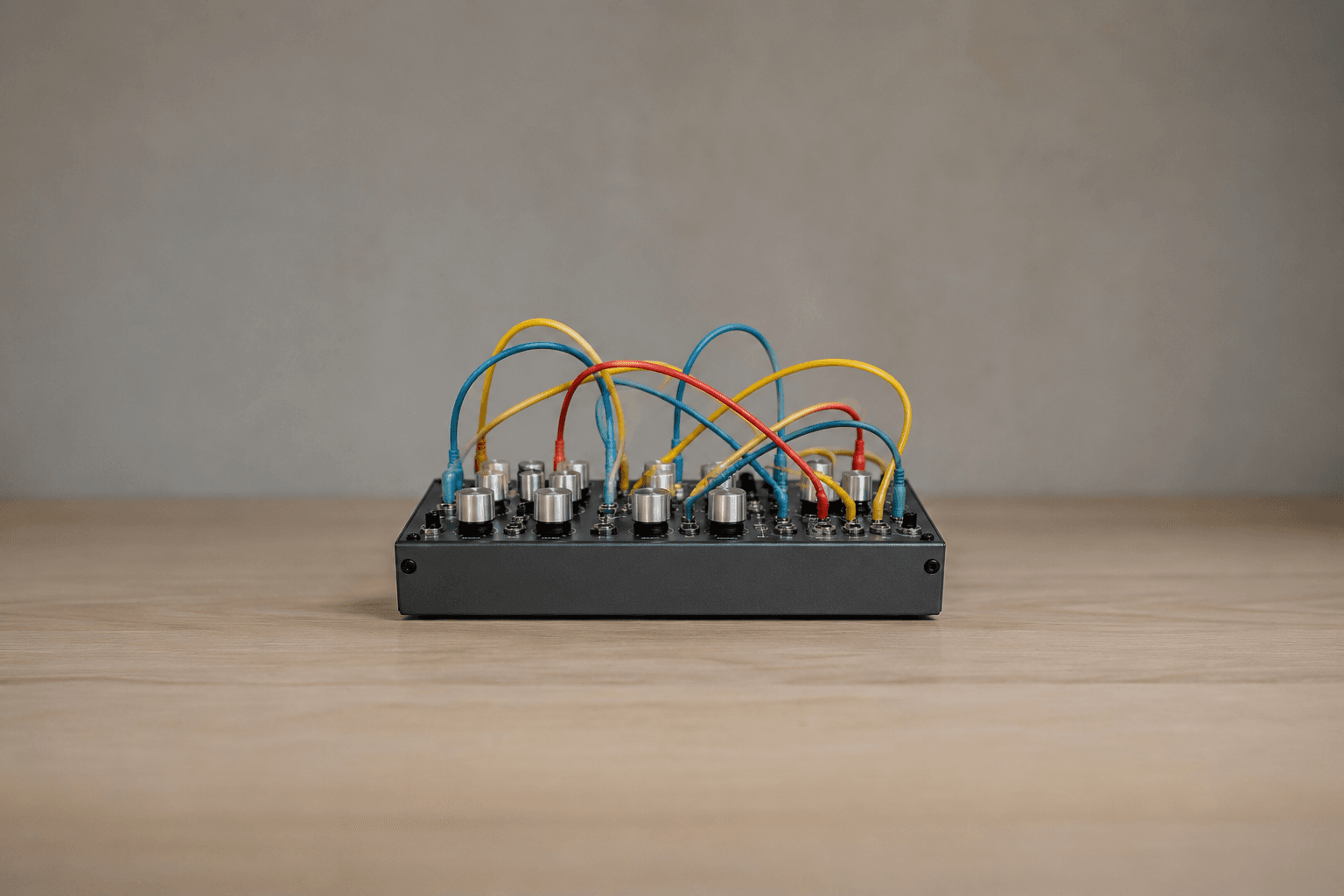
Probably not, and if you own Live Suite you already have it. Max for Live is a visual programming environment that lives inside Ableton Live. It lets you open one of Live's Max devices, look at how it is wired together, change it, or build something new from an empty patch. It comes with Suite, it costs extra on Standard, and it does not run on Intro or Lite. Plenty of Suite owners go years without opening the Max editor once and finish records anyway. The people who need it usually know why: they want to build their own tools, script Live itself, or run community devices that do things no plugin does.
Quick verdict
Own Suite? It is already installed, the community library at maxforlive.com is open to you, and there is nothing to buy. Own Standard? Price the Max for Live add-on in Ableton's shop against the £224 upgrade to Suite, which brings Max for Live along with seven instruments and 33GB more sound content. Own Intro or Lite? There is no add-on, so Standard or Suite is the only route. Nobody should buy an edition of Live for Max for Live alone before running the 30-day Suite trial and seeing if they open it.
What Max for Live actually is
Max is a patching language. Instead of typing code you drag objects onto a canvas and draw cables between them, and the cables carry audio, MIDI, numbers and messages. Ableton's Live 12 manual describes a patch as objects that send data to each other over virtual cables, and you reach one through the Edit in Max command in a device's right-click menu. A default audio effect starts as two objects, plugin~ and plugout~, with your processing going in between them.
Max itself is made by Cycling '74, which Ableton bought in June 2017 and still runs as a separate company. Ableton's announcement of that deal points out that Live started life as a Max patch, which explains why the two fit together as closely as they do. On the practical side, Live bundles its own copy of Max, so there is no second application to install or keep in sync unless you deliberately point Live at a standalone Max installation.
Which editions have it
| Intro | Standard | Suite | |
|---|---|---|---|
| Max for Live licence | Not available | Paid add-on | Included |
| Max-built devices bundled with the edition | CV Tools, Expressive Chords | CV Tools, Expressive Chords | All of Ableton's Max Packs |
| Open the Max editor to change a device | No | With the add-on | Yes |
| Load a third-party or community device | No | With the add-on | Yes |
| Build your own devices from scratch | No | With the add-on | Yes |
Ableton's manual puts it in one line: Max for Live is bundled with Live Suite, and with Standard when you buy the Max for Live add-on. The wrinkle is that a number of Max-built devices were compiled into Intro and Standard from Live 11 onwards, so those run without any licence at all. What you cannot do without one, per Ableton's help centre, is open the editor to change those devices or import anyone else's.
You may be using it already without noticing
This is the part people miss. A large slice of what looks like ordinary Live Suite content is Max underneath. Ableton's Max for Live Packs that come with Live 12 Suite include Granulator III, Sequencers, MIDI Tools, Microtuner, Convolution Reverb, Surround Panner, PitchLoop89, Inspired by Nature, Creative Extensions, the Performance Pack and Generators by Iftah. LFO, Envelope Follower, Shaper and MIDI Monitor are Max devices too. CV Tools, for driving modular gear from Live, is one of the two Packs that Intro and Standard also get.
Bass and Poli have a longer history. Both started in the Max for Live Essentials Pack, a 35-device collection with 631 presets that Ableton now lists as discontinued, because the useful parts moved into Suite proper. They turn up in our Standard versus Suite comparison as two of the seven instruments the £280 gap buys, and they run on Max.
Suite also includes Building Max Devices, which is 92 Max devices and 43 Live Sets across six lesson sets covering MIDI effects, audio effects, instruments, controlling Live, routing and debugging. It is 60MB and free with the edition. If you have Suite and have never opened Max, that Pack is the cheapest possible way to find out whether you like it.
What it does that a plugin cannot
A VST or AU plugin sees the audio and MIDI on its own track and nothing else. A Max device can talk to the Live API, which means reading and changing the set around it: tracks, clips, scenes, device parameters, transport. That is how devices that generate clips, follow the arrangement, or remap a hardware controller on the fly are possible at all. Ableton's own page also covers reconfiguring connections to hardware synths and controllers, and driving physical objects over Arduino and OSC.
Live 12 added a second route in. Its MIDI Tools, the generators and transformations that work on notes inside the clip editor, can be written in Max and dropped into the User Library under MIDI Tools/Max Generators or MIDI Tools/Max Transformations, where they appear alongside Ableton's own. Attack Magazine's review of the MIDI Tools treats that extensibility as the more interesting half of the feature, and third-party developers have been shipping tools for it since Live 12 landed.
What it costs if you only have Standard
Ableton does not publish a public price for the add-on. Its help centre says the shop lists two options, a regular licence and a crossgrade for people who already own standalone Max, with your Live Standard licence selected in your account before you get a figure. So the honest answer is that you have to log in to find out.
The comparison worth making is against the upgrade. Andertons lists the Live 12 Standard to Suite upgrade at £224, down from a £299 RRP, checked on 24 August 2026. Standard at £259 plus that upgrade comes to £483 against £539 for Suite outright, and the upgrade carries seven instruments, sixteen more effects and 33GB of sounds on top of the Max licence. Unless the standalone add-on is dramatically cheaper on the day, the upgrade is the better buy.
There is a third purchase that confuses people. Cycling '74 sells the full Max 9 application, and owners of Live Suite (or Live plus Max for Live) pay £199 rather than the £399 regular price. That is not a way to get Max for Live cheaply, it is the other direction: it lets you patch outside Live, build standalone applications, and export to hardware or VST targets with RNBO. Max 9 also added Ableton's own DSP objects, so the internals of devices like Drift and Roar are patchable. Ignore it unless you already know you want it.
The costs that are not money
Max devices are heavier than native ones. Producers on Cycling '74's own forum have reported for years that the wrapper carries overhead regardless of what is inside it, with near-empty devices adding measurable load once you have ten of them in a set. On a modern machine one or two devices are nothing. Twenty across a busy arrangement is a different conversation, and the fix is the ordinary one: freeze the track or resample the result.
Push 3 in standalone mode has its own rules. Ableton's help article says core library and Ableton Pack devices generally work, third-party ones are not guaranteed to, some parameters cannot be mapped or automated on the hardware, and you cannot load new samples into a Max device while you are standalone. Existing sets with mappings already made will load and play. If you bought Push 3 to work away from the laptop, check any device you rely on before you commit to it.
The third cost is maintenance. Community devices are made by individuals, and some stop working when Live or Max moves on. Ableton publishes guidance for developers on supporting older Live versions, which tells you how real the problem is. Anything you build yourself, you also maintain yourself.
Who actually needs it
- You want to build or modify devices. This is the whole point, and no other purchase substitutes for it.
- You run modular or CV gear from Live, or you script a hardware controller to behave differently from its stock mapping.
- You want generative or algorithmic tools that read and change the set itself: clip generators, arrangement followers, custom MIDI Tools in the Live 12 clip editor.
- You use several community devices already and keep hitting the licence wall when you try to load them on Standard.
If none of those describe you, spend the money elsewhere. Ableton's own shop sells third-party Max Packs from £17 for Holder up to £129 for IRCAMAX 2, and paying £25 for one finished device you will use beats paying for a programming environment you will open once. A stack of free plugins does more for most sets than any of it, which is the ground our free VST roundup covers. And if you are still choosing between Live and FL Studio rather than between editions of Live, the head-to-head is the place to start.
Is Max for Live free?
It is included with Live 12 Suite at no extra cost, so Suite owners have it already. Live Standard owners have to buy an add-on licence, priced in Ableton's shop once your Standard licence is selected in your account. Live Intro and Live Lite cannot run it at all.
Do I need to know programming to use Max for Live devices?
No. Loading a Max device works exactly like loading any other Live device: drag it onto a track and turn the knobs. The programming side only comes in if you choose Edit in Max to change how a device works or build a new one.
Is Max for Live the same thing as Max?
No. Max for Live is the version that runs inside Ableton Live and makes Live devices. Max is Cycling '74's full standalone application, which patches outside Live, builds standalone programs and exports to hardware or plugin targets through RNBO. Cycling '74 sells a Max 9 permanent licence to Live Suite owners at £199 against a £399 regular price.
Where do I get Max for Live devices?
Ableton's own Max Packs come with Suite and install through Live's browser. The community library at maxforlive.com holds a large collection of free devices. Paid ones are sold by developers such as Isotonik Studios and K-Devices, and Ableton's shop carries third-party Packs starting around £17.
Does Max for Live use a lot of CPU?
More than a native Live device doing the same job. Threads on Cycling '74's own forum report that the wrapper adds load beyond whatever the device contains, which becomes noticeable when you stack many of them in one set. Freezing the track or resampling the output solves it in practice.
Do Max for Live devices work on Push 3 in standalone mode?
Some do. Ableton says devices from the Live Core Library and its own Packs generally run, while third-party devices are not guaranteed. Certain parameters cannot be mapped or automated on the hardware, and you cannot load new samples into a Max device while standalone. Sets with mappings already made still load and play back.
Should I buy Suite just to get Max for Live?
Try before you decide. Ableton's 30-day trial is full Suite with Max for Live enabled, so install it, work normally for a month and see whether you ever open the editor. If you do, the £224 upgrade from Standard is better value than the standalone add-on because it carries the instruments and sound content too.
Sources
Every price and fact above traces to a school or platform's own site, dated on its own listing page. See the methodology for how that works.
- Ableton: Max for Live
- Ableton Reference Manual 12: Max for Live
- Ableton Reference Manual 12: MIDI Tools
- Ableton Help Center: buying Max for Live
- Ableton Help Center: Max for Live devices in Live 11 Intro and Standard
- Ableton Help Center: Max for Live bundled in Live
- Ableton Help Center: Max for Live devices on Push 3 (standalone)
- Ableton: Max for Live Packs
- Ableton: Building Max Devices Pack
- Ableton: Max for Live Essentials Pack
- Ableton: Live 12 editions and pricing
- Ableton: Live 12 trial
- Ableton blog: Ableton and Cycling '74 form a new partnership
- Cycling '74: Max for Ableton customers
- Cycling '74: Introducing Max 9
- Cycling '74 forum: M4L is a CPU hog?
- Andertons: Live 12 Suite upgrade from Live 12 Standard
- Attack Magazine: Live 12's MIDI Tools