
Home / Blog / Which audio interface should you buy
Which audio interface should you buy
You need one before a laptop's built-in soundcard will hold you back. Here's what the specs actually mean and what real interfaces cost, from £115 to £850+.
Some links below are affiliate links. We may earn a commission if you sign up or buy through one, at no extra cost to you. See our privacy policy.
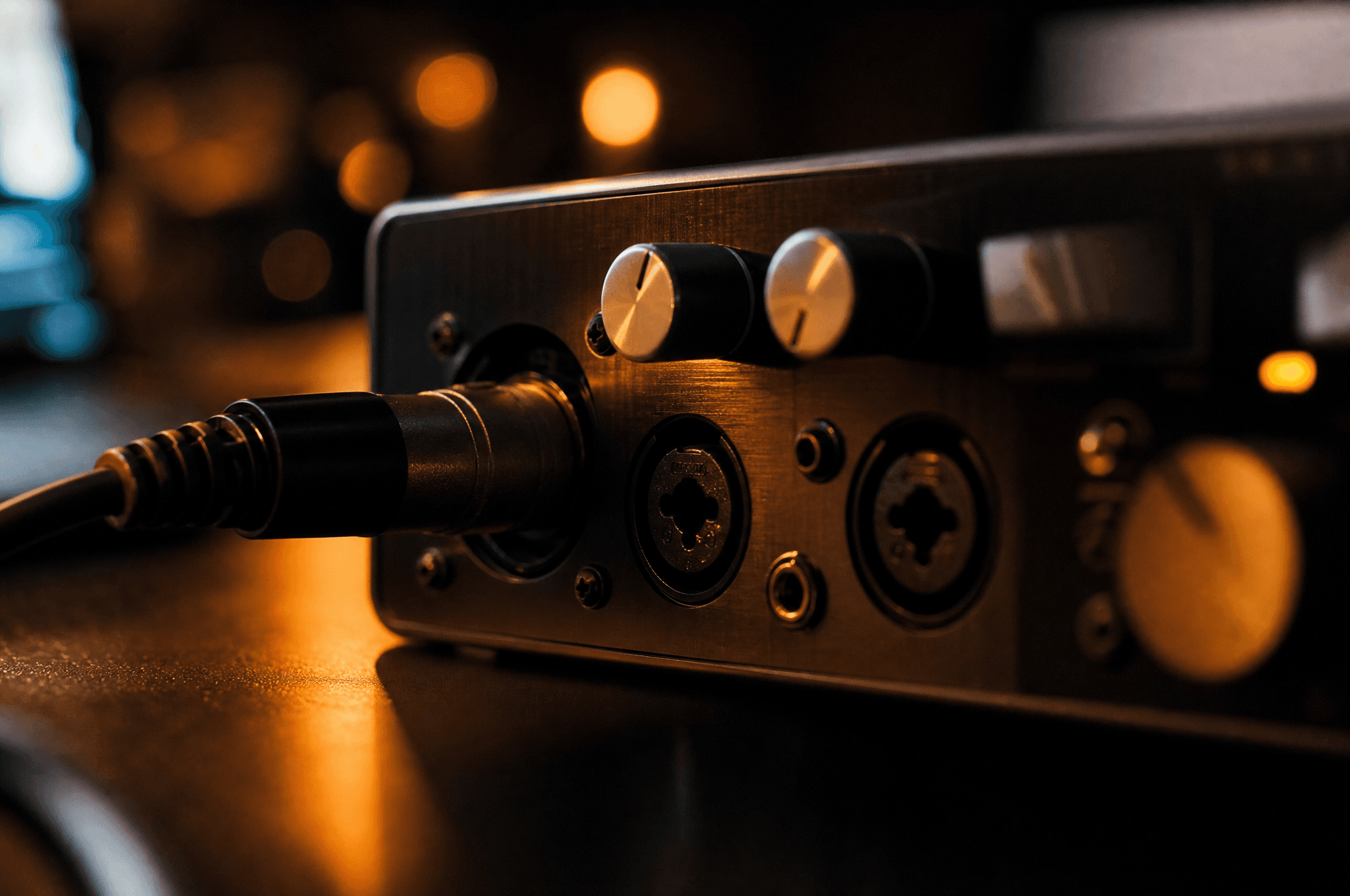
A laptop's built-in soundcard will get you through your first afternoon in a DAW. It won't get you much further than that. Input latency is high enough to make recording live instruments frustrating, there's usually no proper mic input, and the headphone output is designed for watching videos, not judging a mix. An audio interface fixes all three, and it's the one piece of hardware almost every course and school we've profiled assumes you already own.
The confusing part isn't whether you need one. It's that the market is full of nearly identical-looking boxes at wildly different prices, and the marketing copy leans hard on spec numbers that mostly don't matter. We checked current UK pricing directly on manufacturer and major retailer sites (see sources) to work out what actually separates a £115 interface from an £850 one.
Quick verdict
If you're just starting out, buy a 2-input interface from Focusrite or Universal Audio, not because the sound quality is meaningfully better than cheaper options, but because the drivers are stable, the bundled software is genuinely useful, and resale value stays reasonable if you upgrade later. Don't spend more than about £170 until you know exactly what a bigger interface would fix for you.
What an audio interface actually does
It converts an analogue signal, a microphone or a guitar, into digital audio your DAW can record, and converts it back to analogue for your speakers or headphones. Along the way it runs through a dedicated driver, ASIO on Windows or Core Audio on Mac, which gives far lower round-trip latency than a laptop's onboard chip and its generic driver. That latency is the delay between playing a note and hearing it back through your headphones; on a laptop's built-in audio it's often high enough to throw off your timing when recording. On a decent interface it drops low enough to stop being something you notice.
The specs that actually matter
- Inputs and outputs. Two inputs is enough for most solo producers: one mic, one instrument, recorded one at a time or together. You only need more if you're regularly recording a full band or multiple mics at once, and paying for eight inputs you'll use twice a year is money better spent elsewhere.
- Preamp quality and gain range. This is the part that genuinely affects recorded sound, since it's the first thing your mic signal passes through. It's also the hardest to judge from a spec sheet; independent reviews (we cite Sound on Sound below) are more useful here than manufacturer copy.
- Phantom power (48V). Needed to run a condenser microphone, the kind most home studios use for vocals. Confirm an interface has it before buying if you already own, or plan to buy, a condenser mic.
- Bit depth and sample rate. 24-bit/192kHz is now standard even on entry-level interfaces, well beyond the 24-bit/48kHz most finished tracks are actually delivered at. Don't pay a premium for a higher sample rate spec; it's one of the least useful numbers on the box.
- Connectivity. USB-C interfaces cover the vast majority of home setups. Thunderbolt costs more but can hit round-trip latency as low as 2ms, which matters if you're recording through amp-modelling software or monitoring a live performance through heavy processing in real time.
- Bundled software. Several interfaces include a cut-down DAW and some plugins, which can offset a chunk of the purchase price if you don't already own one; see which DAW to start with for what those bundles are actually worth.
Entry level: around £100 to £160
This is where most home producers should start. Every interface at this price now ships with genuinely usable bundled software.
| Interface | I/O | Price | Bundled software |
|---|---|---|---|
| Focusrite Scarlett Solo (4th Gen) | 1 in / 2 out | £149.99 RRP | Ableton Live Lite, Pro Tools Intro+, 3mo Splice Sounds, plugin bundle |
| Focusrite Scarlett 2i2 (4th Gen) | 2 in / 2 out | £209.99 RRP | Ableton Live Lite, Pro Tools Intro+, 3mo Splice Sounds, plugin bundle |
| Universal Audio Volt 2 | 2 in / 2 out | £149.00 | Ableton Live Lite, Melodyne Essential, UA 610/1176/LA-2A emulations |
| PreSonus Studio 24c | 2 in / 2 out | ~£120–£170 (check stock) | Fender Studio Pro, 6-month trial |
Bundle details change
PreSonus's own product page currently lists a Fender Studio Pro 6-month trial with the Studio 24c, not the perpetual Studio One Artist licence older reviews and some retailer listings still describe. Check what's actually included on the manufacturer's own page before buying on the strength of an old review, the same way it's worth double-checking any DAW bundle claim.
Focusrite's Scarlett range also sells "Studio" bundles that add a mic and headphones: the Solo Studio is £249.99, the 2i2 Studio £299.99. Worth it if you don't already own either, since buying them separately usually costs more.
Mid-range: around £200 to £400
This tier buys better preamps and, in most cases, more headroom before you hit noise or distortion, rather than a dramatically different feature set. The Focusrite Scarlett 4i4 (4th Gen, £289.99) adds two more inputs over the 2i2 for anyone recording more than one source at once. The Focusrite Clarett+ 2Pre (typically around £387–£459) steps up preamp quality specifically, and is the point where most reviewers say the sonic difference from an entry-level interface becomes audible rather than theoretical.
Higher-end and pro: £500 and up
| Interface | Connectivity | Price |
|---|---|---|
| Universal Audio Apollo Solo (Heritage Edition) | Thunderbolt 3 | £529.00 |
| RME Babyface Pro FS | USB-C | from £629.00 |
| Universal Audio Apollo Twin X Duo (Gen 2) | Thunderbolt | £849.00 |
| RME Fireface UCX II | USB-C | ~£1,037–£1,144 |
RME's interfaces bundle no DAW or plugins at all, which looks like poor value next to Focusrite's bundles until you understand what you're actually paying for: driver and clocking stability that professional studios rely on, not extra software. UA's Apollo range takes the opposite approach, bundling a large suite of UAD plugin emulations (1176, LA-2A, Pultec, the 610 preamp) that run on the interface's own DSP rather than your computer's CPU, useful if you're tracking through processing in real time without adding latency. RME's own Fireface UCX II sits above the Babyface Pro FS with more I/O for larger sessions, priced upward of roughly £1,037 depending on retailer; treat that figure as a range rather than a fixed price and check a current UK retailer before buying at this end of the market, since pro-tier stock and pricing move more than budget gear does.
Direct monitoring, and why it matters more than it sounds
Direct or zero-latency monitoring lets you hear your own voice or instrument through the interface's own hardware circuit while recording, rather than round-tripping through your computer and the DAW first. Without it, you hear yourself back with a small but noticeable delay, disorienting enough over headphones to throw off a vocal or guitar take. It's present across every price tier that's worth buying into: a simple hardware dial on the Scarlett Solo and 2i2, built into Volt 2 and the Clarett+ range, RME's TotalMix software on the Babyface Pro FS, and UA's UAD Console on the Apollo range. If a cheap unlisted-brand interface doesn't mention it at all, that's a bigger red flag than any other spec on the page.
Common mistakes
- Buying more inputs than you'll use. Extra I/O costs real money and most solo producers never fill it.
- Chasing sample rate numbers. 24-bit/192kHz is now standard even on £115 interfaces; it's not a meaningful way to compare two options.
- Ignoring driver quality. Sound on Sound's review of the Scarlett 4th Gen notes its driver architecture has stayed largely consistent since the 2nd Gen in 2016, which is a point in its favour: stable, well-tested drivers matter more day to day than a headline spec, and it's the main reason RME's much pricier interfaces retain a loyal following despite bundling nothing extra.
- Assuming a bundle is permanent. As the PreSonus example above shows, what software ships with an interface changes over time even when the hardware and price stay the same. Check the manufacturer's current page, not an old review, right before you buy.
Do I really need an audio interface, or can I just use my laptop's built-in audio?
You can start with built-in audio to learn the software, but you'll hit a wall quickly: high input latency, no proper mic input, and a headphone output not designed for critical listening. Most courses assume you have an interface.
What's the cheapest audio interface worth buying?
The Focusrite Scarlett Solo (4th Gen) at £149.99 RRP is the standard beginner recommendation: one input, stable drivers, and a genuinely useful bundle including Ableton Live Lite.
Is USB or Thunderbolt better?
USB-C is enough for almost all home setups. Thunderbolt costs more but can reach round-trip latency as low as 2ms, which matters mainly if you're monitoring through heavy real-time processing.
Do audio interfaces come with a free DAW?
Often. Focusrite Scarlett and Universal Audio Volt interfaces both currently bundle Ableton Live Lite plus other software; check the specific product page since bundle contents change.
Why do RME interfaces cost so much more for fewer bundled extras?
You're paying for driver stability and clocking precision rather than software. RME's reputation is built on interfaces that stay rock-solid in demanding professional sessions, not on the size of a plugin bundle.
Do I need phantom power?
Only if you're using a condenser microphone, the common choice for home vocal recording. Check an interface specifies 48V phantom power before buying if that applies to you.
What is direct or zero-latency monitoring?
It lets you hear yourself back through the interface's own hardware while recording, instead of round-tripping through the computer first, which removes the small delay that makes recording over headphones feel disorienting. Every interface worth buying at any price tier includes some version of it.
Is a more expensive interface actually going to sound better?
Marginally, mainly through preamp headroom and quality, which is genuinely audible once you're spending £300 or more. The bigger jump for most beginners is from no interface, or a very old one, to any current entry-level model; going from a £150 interface to an £850 one matters far less than that first step.
Sources
Every price and fact above traces to a school or platform's own site, dated on its own listing page. See the methodology for how that works.