
Home / Blog / What laptop do you need for music production
What laptop do you need for music production
GPU doesn't matter, RAM does, and Mac's real advantage is smaller than the forum debates suggest. What the specs mean and what current laptops actually cost.
Some links below are affiliate links. We may earn a commission if you sign up or buy through one, at no extra cost to you. See our privacy policy.
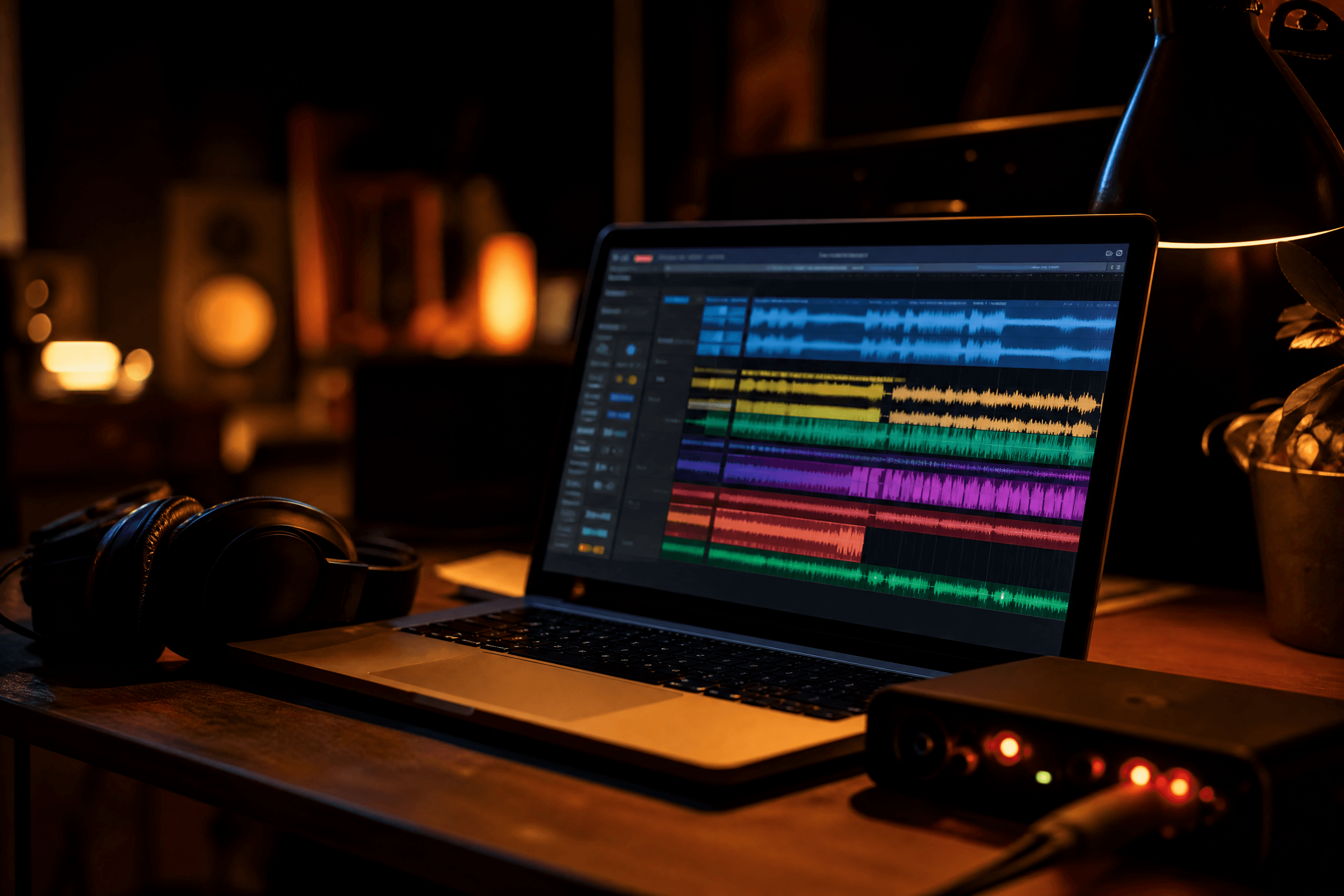
The honest answer to "what laptop do I need" is less exciting than most buying guides make it sound: a mid-range machine from the last two or three years, with enough RAM, is plenty to start on. The spec that actually limits a producer, and the one most buying advice gets wrong, is RAM, not processor speed and definitely not graphics. Here's what the numbers on a spec sheet actually mean for a DAW, and what real laptops cost right now.
Quick verdict
If you're buying new specifically for production: 16GB RAM is the realistic floor and 32GB is the sensible upgrade if you can stretch to it, an SSD is non-negotiable, and the CPU generation matters more than raw core count once you're above about 6 performance cores. Skip anything marketed primarily on GPU power; it isn't the chip a DAW leans on.
The specs that actually matter
- CPU. More cores help because each plugin instance, virtual instrument and real-time effect adds a processing thread; a plugin-heavy session with several synth or sampler instances and oversampling limiters can genuinely load a CPU hard. You don't need a workstation chip, but a recent mid-range processor will outlast an older high-end one.
- RAM. 16GB is a realistic minimum; 32GB is where most producers stop noticing RAM as a constraint, especially once you're running large sample-based instruments like Kontakt libraries alongside 50-plus plugin tracks. On Windows laptops with integrated graphics, some system RAM is shared with the GPU, so a nominal 16GB can effectively run lower than that once the OS and browser are accounted for. Apple Silicon Macs use unified memory instead, a genuinely different architecture with no separate video RAM carve-out, which is the one real technical edge Mac has here, not just brand preference.
- Storage. An SSD isn't optional at this point; a 7,200rpm hard drive tops out around 80–160MB/s where a modern SSD can hit into the thousands, and large sample libraries genuinely stream audio in real time rather than loading fully into RAM. For context on how much space libraries actually take: Native Instruments' own support documentation notes Kontakt's Factory Library is advertised at 43GB but installs at roughly 23GB thanks to lossless compression, so "how big is my sample collection" is smaller than the advertised numbers suggest. At the other end of the scale, a single large orchestral library like Vienna Synchron's Yamaha CFX solo piano runs to roughly 280GB on its own, and genuinely struggles on a hard drive under heavy polyphony because it's streaming many samples simultaneously; that's the scenario where storage speed, not just capacity, decides whether a laptop can keep up.
- Ports. USB-C or Thunderbolt for your audio interface; Thunderbolt specifically enables the lowest-latency interfaces if you go that route later.
Mac or Windows
macOS runs audio through Core Audio, a system-level low-latency framework that works with almost any interface with no separate driver install. Windows needs an ASIO driver, either interface-specific or a generic option like ASIO4ALL, for equivalent low-latency performance. Once it's set up, a properly configured Windows machine performs just as well; the real Mac advantage is that it works immediately, not that it's technically superior once tuned.
The bigger practical difference is software lock-in, not audio performance. Logic Pro and GarageBand are Mac and iPad only, with no Windows version planned. Cakewalk Sonar is effectively Windows only. Everything else worth considering, Ableton Live, FL Studio, Pro Tools, Cubase and Studio One, runs on both; Reaper runs on Linux too. If you already know you want to learn on Logic specifically, that decides your platform before any spec sheet does; otherwise it's a smaller factor than the forum debates suggest.
What to buy
| Machine | Spec | Price |
|---|---|---|
| MacBook Air 13" (M5) | 16GB RAM / 512GB SSD | £1,099 (£999 education) |
| MacBook Air 15" (M5) | 16GB RAM / 512GB SSD | £1,299 (£1,199 education) |
| MacBook Pro 14" (M5) | 16GB RAM / 1TB SSD | from £1,999 (see note below) |
| Mac mini (M4) | 16GB RAM / 512GB SSD | from £799 |
| Windows laptop, similar spec | Ryzen 5, 16GB RAM / 512GB SSD | roughly £480–£530 |
Watch entry-level configurations
Apple's 14-inch MacBook Pro launched at £1,599 for a 16GB/512GB base model in October 2025; by early 2026 that 512GB configuration had been discontinued, pushing the cheapest current option up to £1,999 for 16GB/1TB. Nothing about that changes what the machine is capable of, but it's a reminder to check a model's current specific configuration and price rather than the number you remember from launch, whichever laptop you're weighing up.
A MacBook Air with 16GB RAM is a genuinely capable production machine for most home studio work, not a compromise pick. Step up to a MacBook Pro or add RAM mainly if you're planning to run large orchestral or sample-heavy templates. On Windows, look for a laptop marketed for creative or productivity use rather than gaming: a gaming laptop's extra cost usually goes on a GPU that a DAW won't use, at the expense of RAM or SSD you would benefit from.
A desktop tower, Mac mini or an ordinary Windows tower rather than a laptop, is a genuinely underrated option if your studio has a fixed spot. You're not paying for a battery, screen or thin chassis, and a tower's case fans can be sized for quiet running far more easily than a laptop's cramped internals, which matters directly for the fan-noise problem below. Just avoid gaming-oriented prebuilt towers for the same GPU-you-don't-need reason as gaming laptops: a typical prebuilt gaming tower with a mid-range graphics card can run £800-plus for a spec that, for audio purposes, is worse value than a GPU-less machine at a similar RAM and CPU level, since a chunk of that price is a chip a DAW will never touch.
Common mistakes
- Buying for GPU power. DAWs have essentially no GPU acceleration; the CPU does the work of running the audio engine and processing plugins. A gaming laptop's GPU premium is money that would do more for you spent on RAM or storage, unless you're also editing video.
- Underbuying RAM to save money. 16GB is a floor, not a comfortable ceiling; the moment you add a second large sample-based instrument or scale past a demo-sized project, it becomes the bottleneck, and RAM usually can't be upgraded after the fact on a modern thin laptop.
- Ignoring fan noise near a microphone. Performance laptops can run hot enough under load to trigger audible fan ramp-up, which a condenser mic will pick up on a vocal take even through headphones. Keep the laptop a metre or two from the mic, or pick a machine that stays cool under a realistic session length.
How much RAM do I need for music production?
16GB is a realistic minimum for a comfortable start; 32GB is the point where most producers stop noticing RAM as a limitation, especially with sample-heavy instruments.
Do I need a Mac for music production?
No, unless you specifically want Logic Pro or GarageBand, which are Mac and iPad only. Every other major DAW runs on Windows with equivalent performance once ASIO drivers are set up.
Does the graphics card matter for a DAW?
Almost never. DAWs run their audio engine and plugin processing on the CPU, not the GPU. Only worry about graphics power if you're also doing video editing on the same machine.
Is a MacBook Air powerful enough for production?
Yes, for most home studio work. A 16GB RAM MacBook Air is a genuinely capable machine, not a compromise; step up mainly if you're running large sample libraries or orchestral templates.
Should I buy a laptop or a desktop for a home studio?
If your setup has a fixed location, a desktop, a Mac mini or an ordinary Windows tower, is worth considering: no battery or thin-chassis compromises, and easier to keep quiet under load.
Why does my laptop's fan noise matter for recording?
A condenser microphone will pick up fan noise on a vocal or acoustic take, even through headphones you're monitoring on. Keep the laptop away from the mic, or choose a machine that runs cool under sustained load.
How much storage do I actually need?
A single large orchestral sample library can run to around 280GB on its own, but many popular libraries compress well below their advertised size; Kontakt's Factory Library, for example, installs at roughly half its stated 43GB. Start with at least 512GB and expect to add an external SSD once you own more than a couple of large libraries.
Is my current laptop already good enough to start?
If it has 16GB of RAM and an SSD, almost certainly yes for a first project. Don't buy new gear before you've hit an actual, specific limitation; a slow laptop rarely stops you finishing a first track, running out of ideas does.
Sources
Every price and fact above traces to a school or platform's own site, dated on its own listing page. See the methodology for how that works.